


How to Watch Music Videos First on Spotify
Noah Kahan has spent the summer touring stadiums across North America. Now, he’s releasing a new music video for his track “Orbiter”—and fans can watch it first on Spotify for 48 hours. The launch is part of a broader effort from Spotify to give users early access to videos from their favorite artists.
In Orbit With Noah Kahan
Noah Kahan’s official music video for “Orbiter” was filmed across stadiums in North America during his sold-out The Great Divide World Tour this summer. The video captures one of the most intimate moments of his live show, as Kahan performs the song solo with just his acoustic guitar from the center of each stadium, surrounded by thousands of fans singing along.
From “Before You” to “After You”
Since the release of the teaser film for Stray Kids‘ “After You,” fans have been eagerly awaiting the full music video. Now it’s here—and available to watch first on Spotify. The video follows an anthology of stories set across everyday spaces, tracing an emotional arc as the members move from being stuck in a “Before You”—an emotional standstill—to an “After You” state characterized by human connection and inner resolve. The scenes unfold alongside the warm afterglow and summer emotions of the track itself.
Fans interested in learning more about how the K-Pop group’s hits come together can check out 3RACHA Session, a new six-part podcast series hosted by 3RACHA, the production group behind many of Stray Kids’ biggest hits.
Redemption in San Quentin
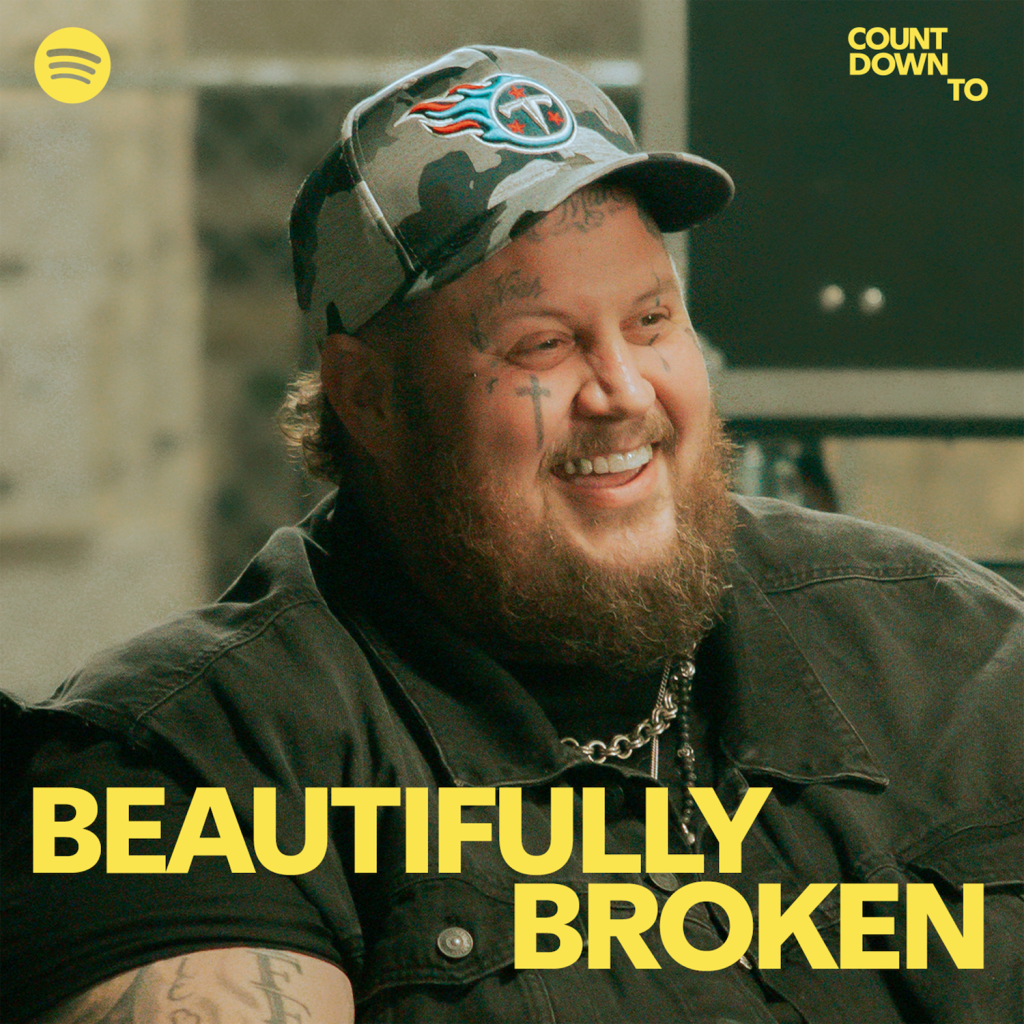
On the other side of the globe, and more than half a century ago, Johnny Cash stood in front of a group of inmates at California’s San Quentin State Prison and delivered one of a career’s worth of legendary prison performances. This year, Jelly Roll performed his song “Hands Up” at the same location—the latest milestone in a career defined by hardship, redemption, and the willingness to speak openly about difficult issues. The black-and-white clip for “Hands Up,” directed by Anthony Mandler, follows Jelly Roll on his visit to California’s oldest prison, as he leads a group of inmates in a prayer reflecting on the word “freedom” before taking the stage with his band for an intimate, rollicking performance.
BTS Get Vulnerable
BTS’s video for “NORMAL,” meanwhile, reveals the group’s raw and vulnerable side, showing each member in personal and intimate moments. Set in the aftermath of a celebration, it moves between scenes from the previous night’s festivities and the stillness of the following morning, capturing the quiet moments of stardom outside the spotlight. One of the video’s most memorable scenes recreates the now-viral image of all seven members standing before a row of toilets, bringing their album-teaser campaign full circle.
How to Watch
For the first 48 hours after release, Premium subscribers in our beta markets can open Spotify on their TV, desktop, iOS, and Android devices, search for the song, and get a first look by tapping “Switch to video.” The music video will start playing right where the song left off. To return to background listening, simply press “Switch to audio.” For a full-screen experience on mobile, viewers can simply turn their devices to landscape mode.
Keep a close eye on Spotify for more music videos dropping soon.
Stream Noah Kahan’s “Orbiter” below, and head over to Spotify for a first look at the accompanying music video.

Discover More

Culture & Trends
Your Summer 2026 Soundtrack? Spotify’s Predictions Are In

Artists & Creators