





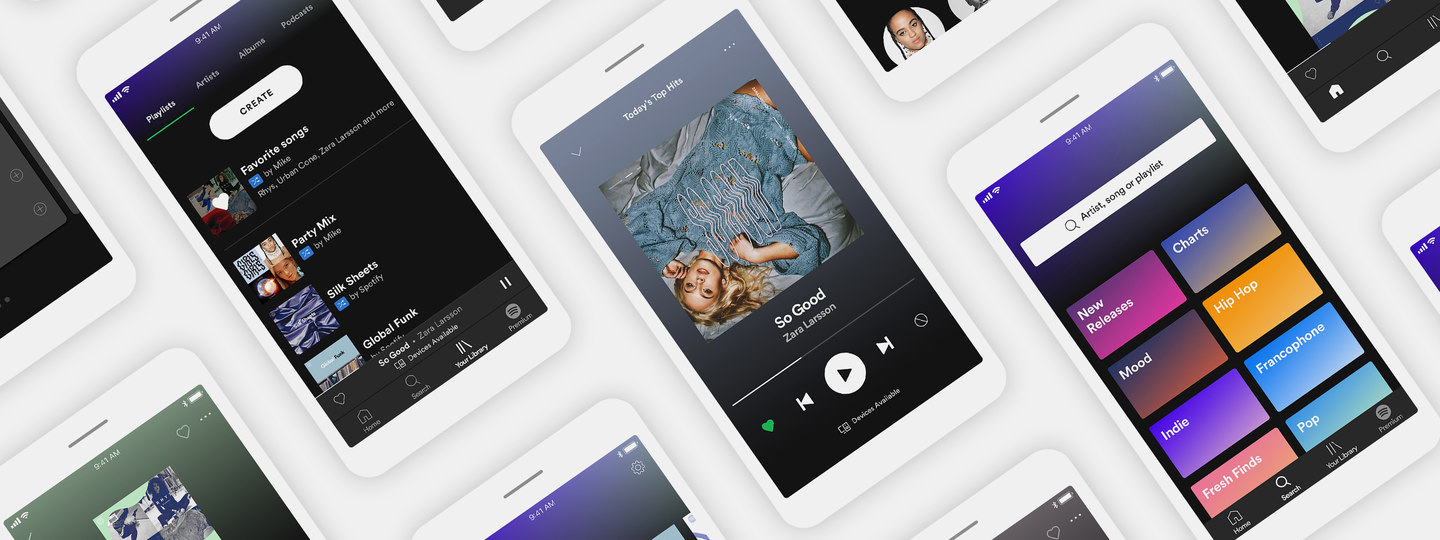
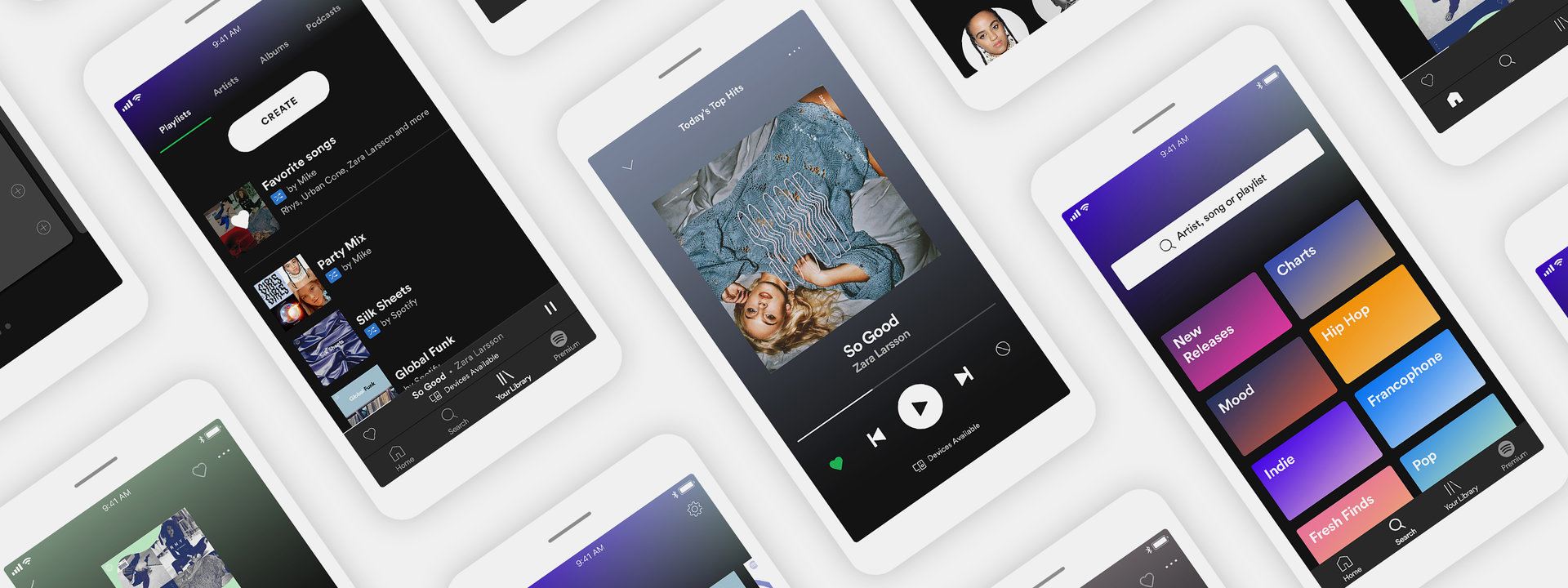
Since we launched a new version of our free app, many new and existing users on Android and iOS have gotten to experience the new, improved, ad-supported tier. With personalized music recommendations from day one and an easy-to-use interface, they can now enjoy unprecedented access to both the music they love and the favorites they’re yet to discover. Simply put, it’s the best way to get music for free.
Read on for our list of the five must-use features in the new Spotify free experience.
1. Let us get to know you with Taste Onboarding:
After you first download and sign in to the free app, you’ll be prompted to choose five or more artists you like. That means we’ll be able to learn more quickly about your favorite artists, songs, and genres. From there, we’ll make some great playlists for you—as well as tailor your home screen for easier music discovery. And the more you listen, the more we’ll learn, getting better with our recommendations and introducing you to artists you’re bound to love.

Let us get to know you with Taste Onboarding
2. Enjoy On-Demand Playlists:
We use the data from your taste onboarding to present you with 15 personalized and curated playlists that will be particular to you based on your music taste and how you stream on Spotify, meaning every user gets something different. From playlists such as Discover Weekly to Rap Caviar to Broken Heart and up to six Daily Mixes, these lists will update frequently based on how you interact with them and with the rest of the music you listen to. Within them, you can play songs in any order and skip as much as you like. Once we have enough information about what you like to listen to, we’ll update your Discover Weekly every Monday and Release Radar every Friday. The more you stream, the quicker these will become available. You can find these playlists from your home screen.

Enjoy On-Demand Playlists
3. Find new music with Assisted Playlisting:
Making your own playlist? It’s quick and easy. Just start with a title, and then choose a few tracks. In the meantime, we’ll start recommending songs for you to add with the tap of a button. We’ll show songs based on artists in the playlist, your taste profile, and even the title of your playlist—particularly songs with that theme or word in the lyrics—so make sure to choose a title that really describes the vibe you want.

Find new music with Assisted Playlisting
4. Personalize by ♡ing and Hiding:
There’s a new way to fine-tune your streaming experience: by using the new like and hide buttons. Using them can teach us about your tastes so you get recommendations tailored just for you. As you’re listening to songs, note which you “like” by tapping the heart icon ♡. You can also do this with artists, albums, and playlists. This way, the app will get to know what you love and want to hear more of—helping with the personalization process even more. All your liked songs will appear in a new playlist called “Your Favorites,” and new tracks from artists you have listened to will appear in your Release Radar. On the other hand, tapping the “hide” icon ⃠ will ensure you don’t have to hear that song, or others similar to it. You can’t win ’em all.

Personalize by ♡ing and HidingZara
5. Browse using Data Saver:
Many Spotify users around the world can’t enjoy music whenever they want because of how much mobile data streaming uses. That’s why we created Data Saver, a simple switch that optimizes the listening experience to use less mobile data. Data Saver streams at a lower bit rate so you can listen to more music with less guilt. Note that Data Saver isn’t a default setting, so make sure to switch it on in your settings tab.

Browse using Data Saver:
Between more personalization, enhanced playlists, easily creatable playlists, and a data-saving feature, what better way is there to listen to and discover music? Make sure you’re not missing out—listen now for free.
Recent Comments