

Tag: messages

Introducing Listening Activity and Request to Jam in Messages on Spotify

We know people use Spotify not just to listen, but to share the songs, podcasts, and audiobooks they love with their friends and family. When we launched Messages last year, we gave users a place to do that right in the app. Since then, almost 40 million users have sent nearly 340 million messages, showing that listeners are excited to share what they’re streaming.  

Today, we’re building on that experience with two new Messages features: Listening activity and Request to Jam. Listening activity gives users a real-time look at what music their friends and family are listening to, while Request to Jam makes it easy to quickly turn those moments into shared listening sessions.

Take a look…

Listening activity 

Listening activity is an opt-in feature that allows you to display what music you’re currently listening to within Messages in real time. If you’re not actively listening, your most recently played song will be displayed instead. It’s visible only to friends and family you have already connected with on Messages, and you can see others’ activity even if you haven’t turned your own activity on, as long as they’ve opted in.

Here’s how it works:

    • Users can turn on listening activity via Privacy and social settings, accessible through the side drawer next to the “View profile” button. 
    • Once enabled, activity appears in the chat row of the side drawer and at the top of Messages chats.
    • If a user taps on their friend or family member’s listening activity, they’ll be able to add tracks to their library, start playback, open the track’s context menu, or react with one of six standard emojis.

Listening activity is only shared with people you’ve already messaged on Spotify, and you’re always in control—only the contacts you choose can see your activity, and you can turn it off at any time.

Request to Jam

To complement listening activity, we’re making it easier to turn musical moments into shared experiences with Request to Jam, a new way for users to invite friends or family they’re connected with in Messages into a live listening session.

Our Jam feature has been growing in popularity, with daily active users more than doubling year over year. With Jam, users can listen from anywhere—but it can be hard to know when your friends are available to listen together when you’re apart. Now, users can see when someone is already listening, join them, and even message in sync while listening so they can talk about what’s playing and what’s up next.

Here’s how it works:

    • From a Messages chat, Premium users can tap Jam in the top right corner to send a request for a remote Jam. 
    • Your friend will receive the request and can either accept or decline.
    • If accepted, the recipient becomes the host of the Jam session. From there, both participants in the Jam can add tracks to a shared queue and listen together.

These new updates make it easier for users to enjoy music together while making discovery and expression even more seamless.

25 Ways Spotify Leveled Up Your Listening in 2025

From crisper Lossless audio and immersive music videos in beta to new Audiobooks+ plans, custom transitions between tracks, and in-app Messages, we keep leveling up the way people experience Spotify.

It was a standout year of bold new features, reimagined favorites, and fresh ways of bringing listeners even closer to the artists and creators they love. After a record-breaking Wrapped and countless delightful moments of discovery across music, podcasts, and audiobooks, here’s a look at 25 things Spotify delivered in 2025.

Effortlessly discover your next favorite song or podcast

1. DJ requests: DJ now takes requests (by voice or by text)! Ask DJ X in English or DJ Livi in Spanish to get music that matches any mood or moment.

2. AI Playlist expansion: Our AI Playlist feature rolled out in beta to Premium listeners in more than 40 new markets, giving you one more way to turn your ideas into the perfect playlist.

3. Improved podcast discovery: We made it easier than ever to discover new shows on Home. We also added an “In this episode” section, allowing creators to link out to other content on Spotify and helping users dive deeper into each episode.

4. A feed for what’s new: We debuted Following feeds for music and podcasts, creating a dedicated space to find the latest tracks and episodes the moment they drop.

5. Upcoming Releases hub: The new Upcoming Releases hub became a go-to place for soon-to-be-released albums we think you’ll love based on your listening history.

6. A refreshed Discover Weekly: With an updated look and new controls, you can guide your mix by choosing up to five genre options, personalized based on your listening history.

Unlock new ways to listen, watch, and explore 

7. Lossless audio arrived: One of our most highly-anticipated features (finally) rolled out. Premium listeners in select markets now have access to higher quality, Lossless audio, unlocking greater detail across nearly every song on Spotify.

8. Upgrades to the Free experience: Our Free experience is even better now that listeners can search and play any song with a single tap.

9. Managed Accounts expansion: We expanded family plan controls with Managed Accounts, giving young listeners their own space to explore, with parents and guardians still at the helm.

10. Spotify + ChatGPT: Free and Premium users can now bring Spotify into their ChatGPT conversations for personalized music and podcast recommendations right in the chat.

11. Audiobook Recaps: We launched audiobook Recaps that help you jump back into stories after time away.

12. Audiobooks+ plans: Our add-on plan options give booklovers a new way to extend their listening time.

13. Music videos in beta: We expanded music videos in beta to Premium listeners in the U.S. and Canada, giving fans a new way to experience their favorite songs on Spotify. 

14. Shuffle updates: An updated Shuffle means you have more control over how your playlists serve up tracks.

Take control over your sound

15. Smooth mix transitions: We introduced new ways to mix up your playlists. You can now seamlessly transition between tracks, customize how they flow together, and enhance mixes like a pro.

16. Taste Profiles got sharper: The option to exclude songs from your Taste Profile means one-off listens don’t throw off your recommendations.

17. More controls for discovery: Upgraded queue controls and smarter Hide and Snooze options give you more ways to fine-tune recommendations and curate your playlists.

18. Better playlist tools: We made it easier to Add, Sort, and Edit playlists. We also launched custom cover art and the ability to turn filtered Liked Songs into full playlists in select markets.

19. Smart Filters: We launched Smart Filters in Your Library so you can sort saved music, podcasts, and audiobooks by activity, mood, or genre.

20. Playlist transfer tool: With our latest TuneMyMusic integration, we made it simple to transfer playlists from other streaming services into your Spotify library.

Get closer to the stage

21. Find concerts near you: Our new personalized playlist highlights artists performing near you, making it fun and easy to discover upcoming shows and new artists.

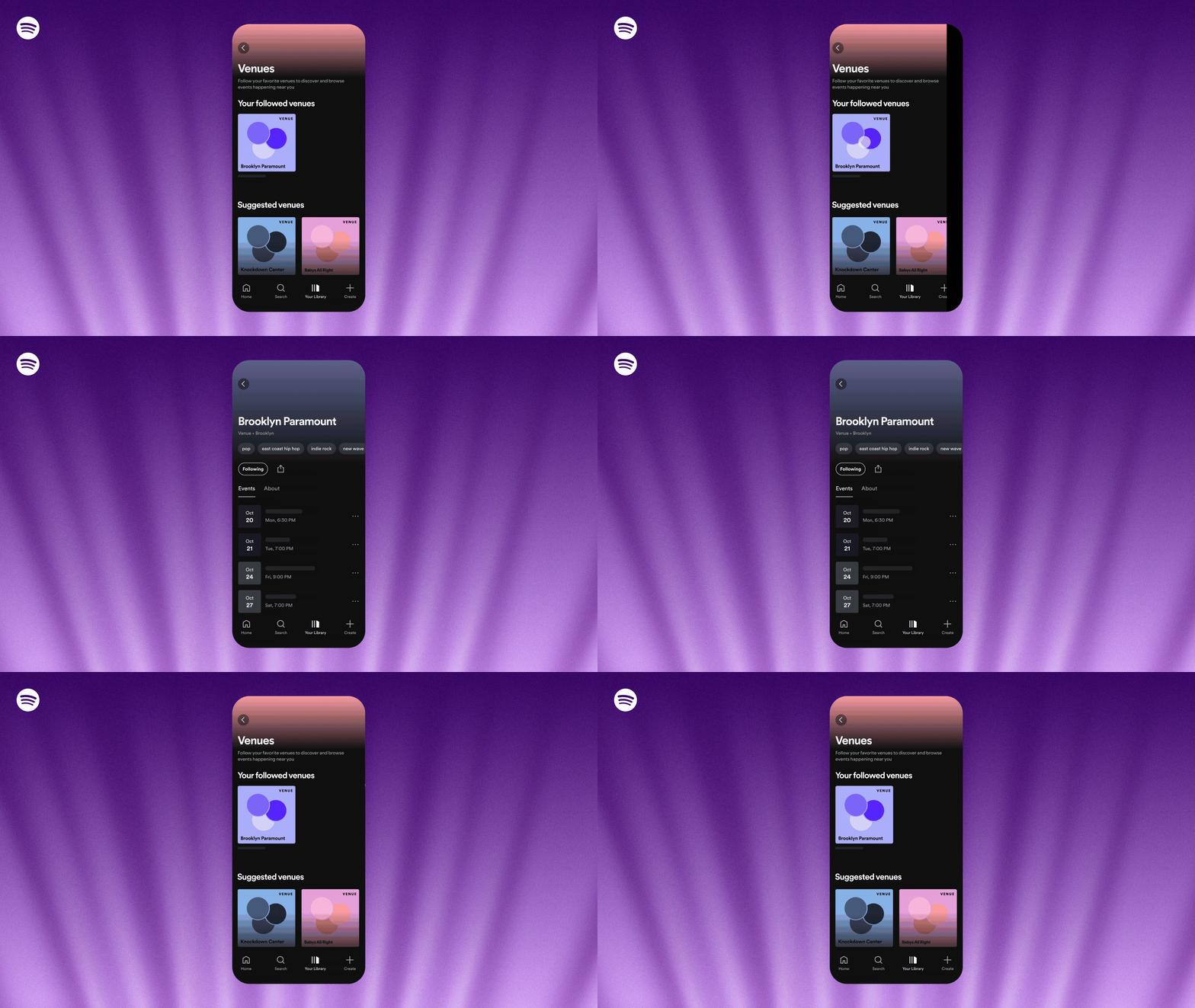
22. Search and follow venues: You can now follow your favorite venues, discover new spots nearby, and explore upcoming lineups, all in the Spotify app.

See your stats and sync with friends

23. Listening stats: The new weekly listening snapshot shows you your top songs and artists every week, perfect for tracking trends between Wrapped.

24. Wrapped: For 2025, Wrapped went bigger than ever with more layers, stories, and connection than ever before.

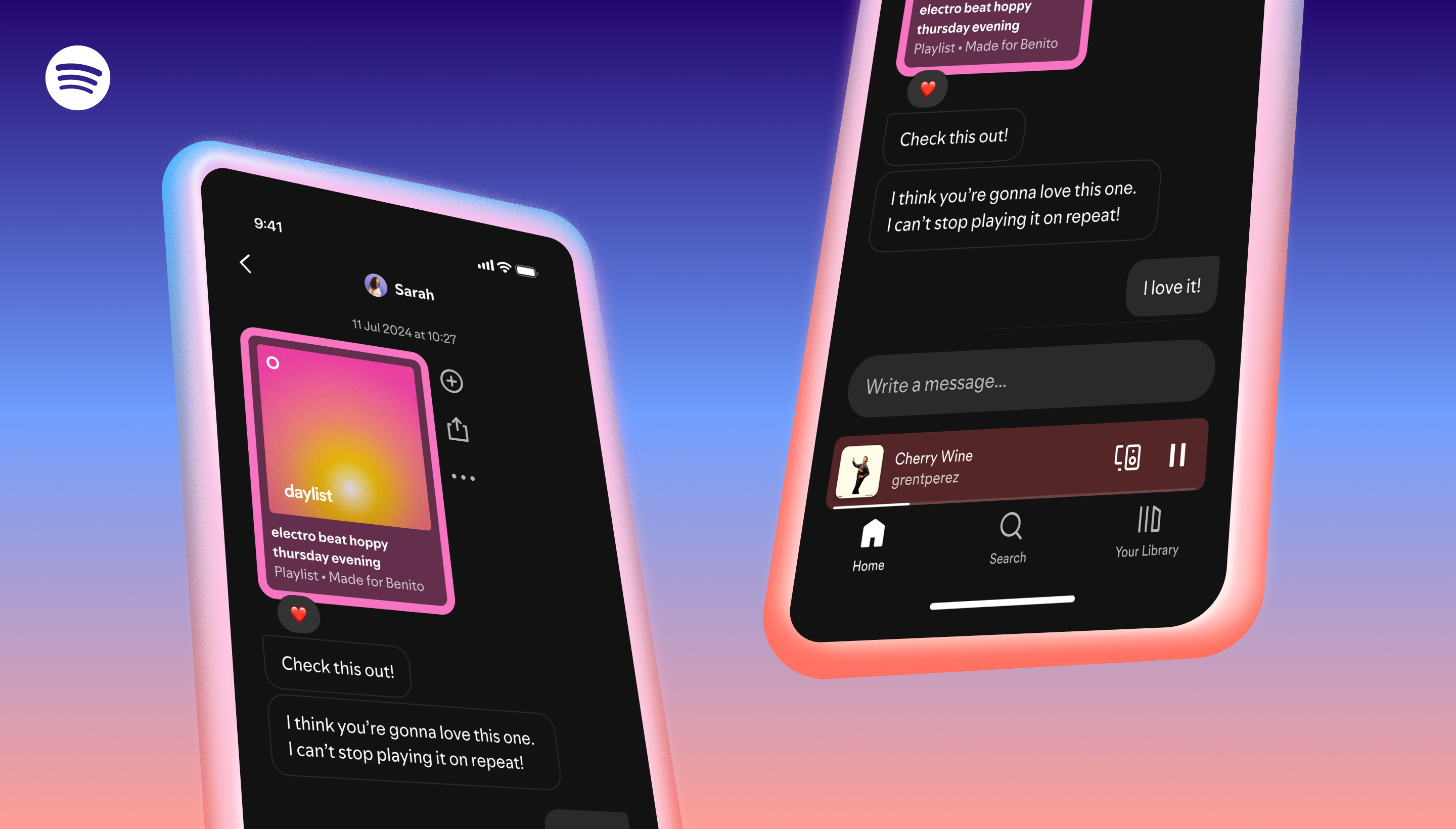
25. In-app Messages: You can now share music, podcasts, and audiobooks you’re excited about with friends and family right inside Spotify.

The momentum of 2025 has us inspired for what’s ahead in the new year. We’re excited to carry that energy into 2026 as we explore new ways to strengthen the connection between listeners, artists, and creators and bring you even more moments worth pressing play on. Thanks for listening!