





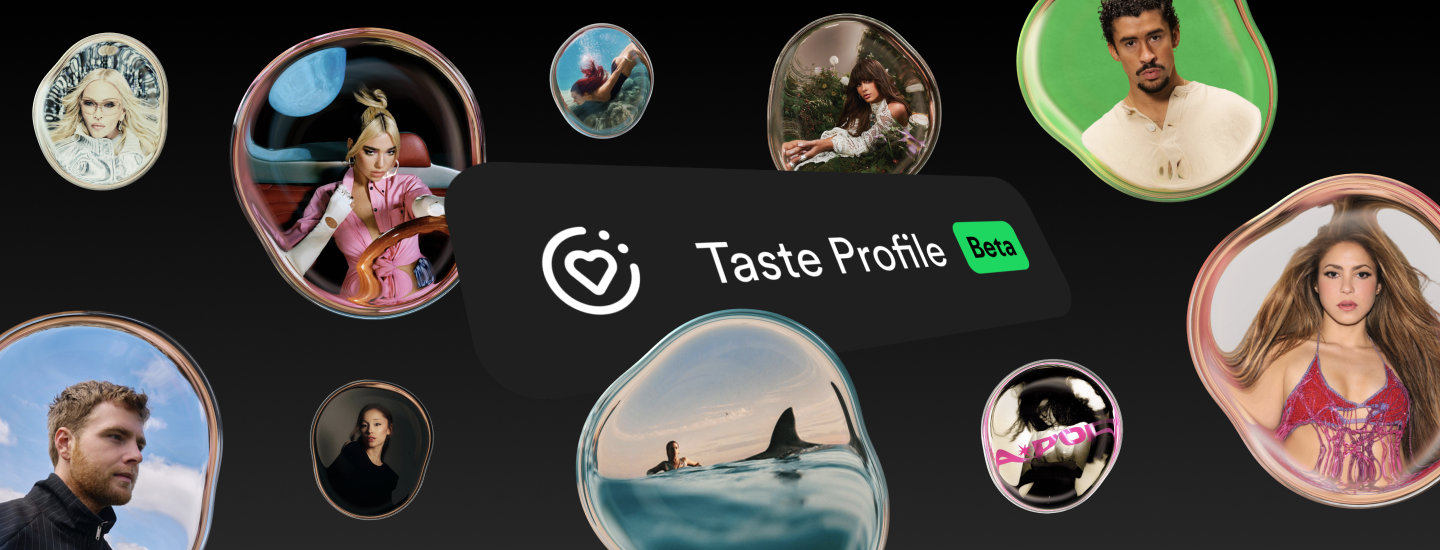
Spotify has always been built around your taste, and now we’re bringing our latest advances in personalization to more listeners. Following initial testing in New Zealand earlier this year, we’re rolling out Taste Profile (Beta) to Premium listeners ages 18 and older in the U.S.
Taste Profile gives you more control over your recommendations, whether you want to explore beyond your usual interests or fine-tune what you already love. For the first time, you can see Spotify’s brief interpretation of your taste across music, podcasts, and audiobooks. But Taste Profile isn’t just about getting a sense for how Spotify understands your interests—you’ll also be able to directly shape what gets recommended next on your Home feed. Your notes act as gentle guidance, steering your Home feed toward music, podcasts, and audiobooks you’ll be excited to discover and away from content that no longer fits your taste.
Here are three easy ways to shape your Taste Profile:
-
- Explore a new music genre or era: Tell Spotify what you’re curious about, whether it’s ’90s alt-rock, modern indie pop, or something completely new. Taste Profile will use that input to shape recommendations in your Home feed.
- Shape what you see: Looking for energizing music to start your day? Tell Spotify what fits your life right now, and your Home feed will start adapting to match. Tell Spotify what you want more of. Tell it what you’re done with. Home follows your lead.
- Get more of the podcasts and audiobooks you love: Tell Spotify what topics interest you—like tech, history, or art—and Home will start surfacing more related podcasts and audiobooks.
How to view and adjust your Taste Profile
If you’re a Premium listener age 18 or older in the U.S. or New Zealand, you can access your Taste Profile in the Spotify mobile app:
-
- Tap your profile picture and select Taste Profile.
- Explore how Spotify understands your taste across music, podcasts, and audiobooks.
- Under Tell us more, enter what you’d like to adjust and tap to send your message.
Changes typically appear within a few hours and you can edit or delete your notes whenever you want. You can leave your Taste Profile as is and enjoy Spotify as usual, or update it whenever your interests, tastes, or listening goals change.
Taste Profile builds on Spotify’s momentum in giving listeners more control over the recommendations they receive. We’ve seen strong engagement with features like Exclude from Taste Profile, which lets listeners exclude a specific track or playlist from their recommendations, and more recently, the ability for parents to keep kids and family music from influencing their algorithm.

Recent Comments