
Tag: product update

Spotify Expands Music Videos in Beta to Premium Users in the US and Canada

images of artists and music videos across a dark green background.

For decades, music videos have done more than just accompany a song; they’ve shaped style, started conversations, and helped us fall in love with our favorite artists. Now, music videos in beta are rolling out to Premium users in the U.S. and Canada, bringing fans even closer to the music they love.

This expansion gives millions more listeners access to a catalog of official music videos, from studio versions to live performances and covers. The initial video catalog is limited for now while the feature is in beta, but stay tuned as availability will grow quickly over the coming months.

When we introduced music videos in beta to nearly 100 markets last year, we saw how video can elevate the listening experience—and users agree. A recent Burson survey* found that more than 70% of users say more video content would enhance their experience on Spotify.

Music videos join a suite of features like Countdown Pages, Canvas, and Clips that help artists connect with their fans on Spotify. Artists and their teams can learn more on our brand-new music videos landing page on the Spotify for Artists site. And with this launch, fans can continue experiencing the full world of an artist, beyond just their sound.

How to watch music videos on Spotify

With this rollout, Premium users in the U.S. and Canada can begin exploring an initially limited catalog of music videos from artists like Ariana Grande, Olivia Dean, BABYMONSTER, Addison Rae, Tyler Childers, Natanael Cano, and Carín León.

Here’s how it works:

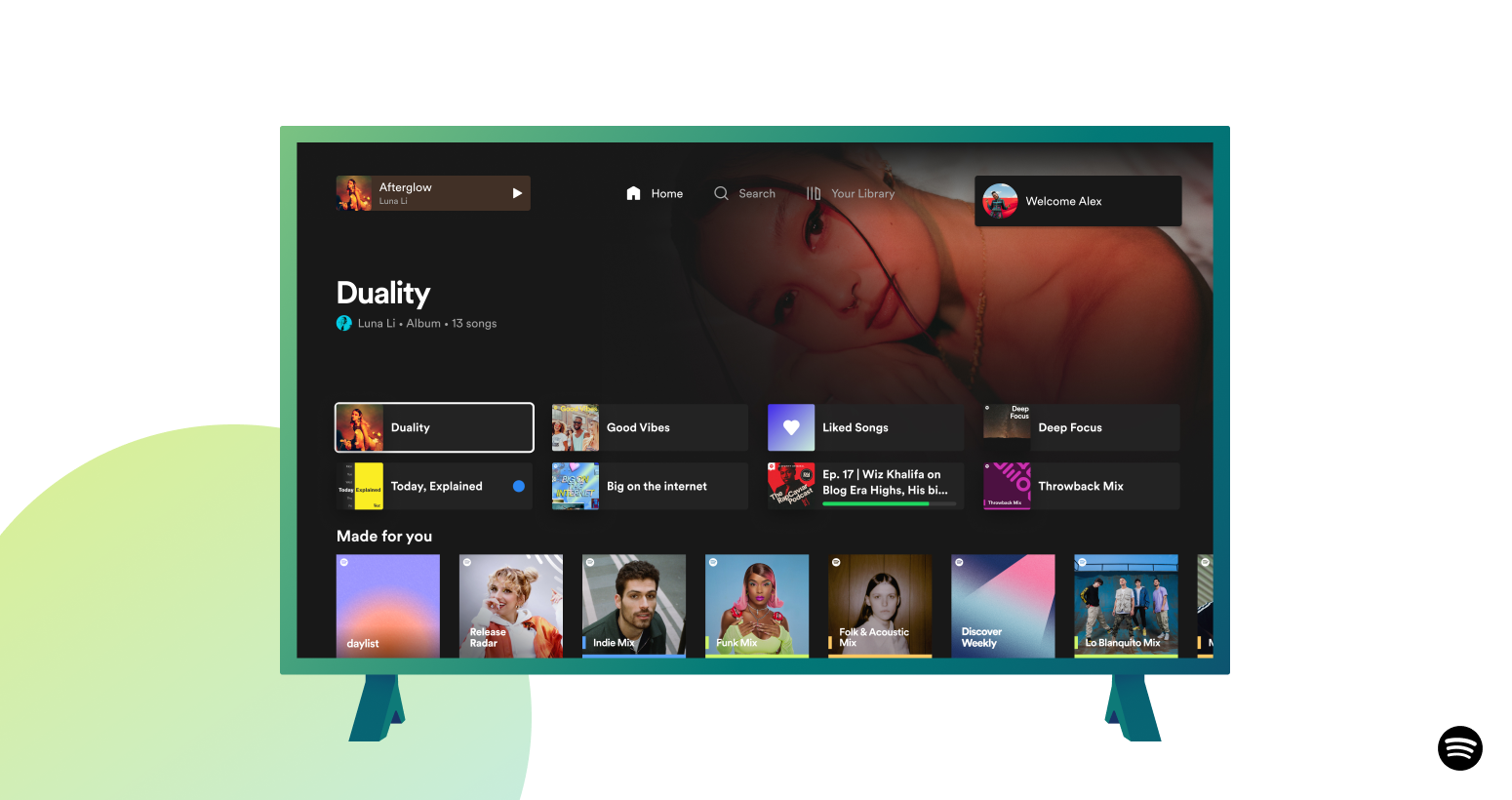
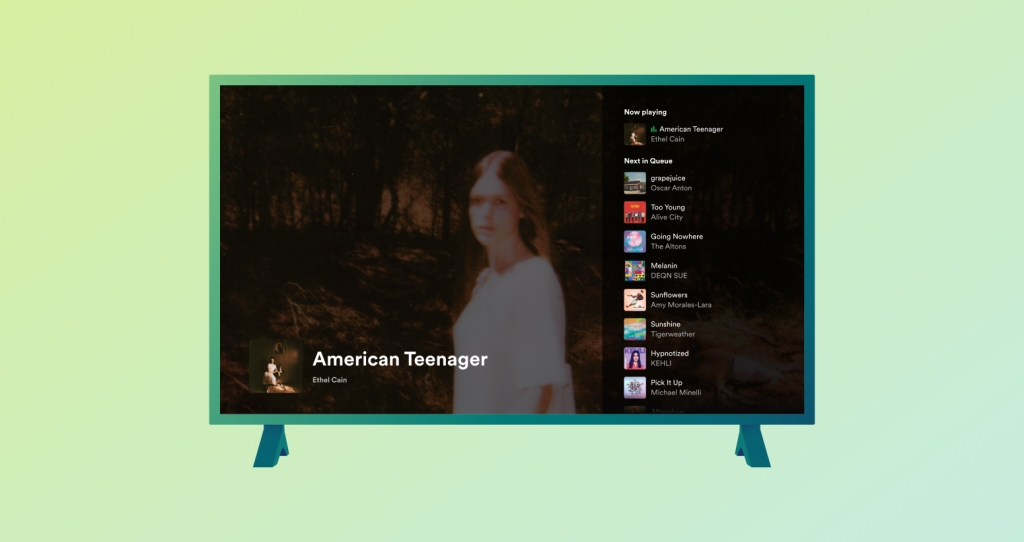
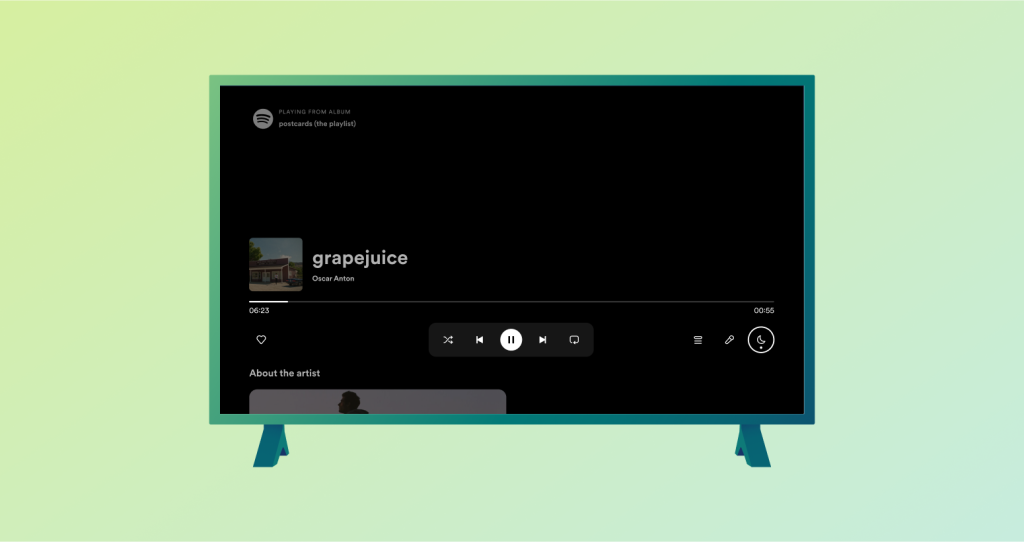
    • Premium subscribers in our beta markets can open Spotify on their TV, desktop, iOS, and Android device, select a supported track, and tap “Switch to video.”
    • The music video will start playing right where the song left off. To return to background listening, simply press “Switch to audio.”
    • For a full-screen experience on mobile, turn your device to landscape mode.


To find additional music videos—including live and cover videos—scroll down to explore Related Music Videos, or go to an artist’s profile and look under the Music tab. You can also watch by genre and era via playlists like 90s Video Hits, Hip-Hop Throwbacks, and Latin Party Hits. Music videos will be available to all Premium subscribers in the U.S. and Canada by the end of the month.

Music videos are a proven way to help build fandom. After a fan engages with an artist’s music video, they’re more likely to dive deeper into their artistry. We’ve seen that when fans discover a track with a music video on Spotify, they’re 34% more likely to stream it again and 24% more likely to save or share it in the following week. This is especially true for super listeners, who go on to actively stream the artist 85% more in the next month, on average.

*According to a survey by Burson conducted with 8,400 respondents across 19 markets around the world between August 27-October 3, 2025.

*Update as of December 10, 2025: Music videos in beta are now available for all Premium users in the U.S. and Canada.

*Update as of June 15, 2026: Our first personalized video playlist, Videos for You, is now available to Premium users in the U.S and Canada, as well as in most markets where music videos are available. Videos for You is refreshed daily with a mix of music videos, live performances, and covers tailored to your taste. You can find it by searching for “Videos for You” or by tapping Search and exploring the playlist highlights shelf.
La qualité Lossless arrive sur Spotify Premium, pour une expérience d’écoute plus riche

The Spotify bug appearing on a purple background. The background moves as if it was part of a booming speaker

La qualité Lossless est disponible sur Spotify Premium.

Le format sans perte de qualité, ou Lossless, était l’un des formats audio les plus attendus sur Spotify. À présent, il commence enfin à être déployé dans l’expérience Premium de certains marchés. Les personnes abonnées à Premium recevront une notification dans Spotify une fois que le mode sans perte de qualité sera disponible pour elles. Pour explorer un nouvel album comme pour écouter vos vieux coups de cœur, ce format offre la meilleure qualité sonore sur Spotify.

« L’attente est enfin terminée ! Nous avons le plaisir d’annoncer que le Lossless arrive sur Premium », déclare Gustav Gyllenhammar, vice-président des abonnements chez Spotify. « Nous avons pris le temps de développer cette fonctionnalité en privilégiant la qualité, la facilité de prise en main et la clarté à chaque étape, pour que vous soyez toujours au courant de ce que vous écoutez. Grâce au Lossless, les auditeurs et auditrices Premium profiteront désormais d’une meilleure expérience d’écoute. »

Le format sans perte de qualité s’inscrit dans le cadre de notre engagement à améliorer continuellement Spotify Premium afin que les fans puissent découvrir et apprécier la musique qu’ils aiment. Ce format très demandé donne une nouvelle dimension à votre expérience Premium. Avec des fonctionnalités populaires comme les Jams, les récents Mix et daylist, ainsi que les playlists compilées par notre fantastique équipe éditoriale, le service de streaming audio sur abonnement le plus plébiscité au monde ne cesse de s’améliorer.

Avec le format sans perte de qualité, vous pouvez désormais streamer des titres dans une qualité FLAC jusqu’à 24 bits/44,1 kHz, offrant ainsi une écoute enrichie pour la quasi-intégralité du catalogue Spotify. Vous pourrez profiter des dernières sorties et de vos titres préférés en pleine immersion et dans la meilleure qualité.

Votre appareil, votre musique, votre expérience d’écoute, votre choix

Nous savons que tout le monde écoute la musique à sa façon, c’est pourquoi nous proposons des paramètres personnalisés pour le Wi-Fi, les données mobiles et les téléchargements. Choisissez entre les qualités faible, normale, élevée, très élevée et (désormais) Lossless pour un maximum de flexibilité et de contrôle. Vous pourrez voir la quantité de données requises par chacune d’entre elles pour faciliter votre choix.

La qualité Lossless est disponible sur mobile, ordinateur et tablette, ainsi que sur de nombreux appareils compatibles avec Spotify Connect, à savoir Sony, Bose, Samsung, Sennheiser et plus encore. La compatibilité avec certains autres appareils, notamment ceux de Sonos et d’Amazon, arrive le mois prochain.

Comment activer la qualité Lossless

Pour activer la qualité Lossless dans l’appli Spotify, suivez ces étapes.

    1. Appuyez sur l’icône de votre profil, en haut à gauche.
    2. Accédez à « Préférences et confidentialité », puis à « Qualité du contenu multimédia ».
    3. Sélectionnez les conditions où vous souhaitez activer le Lossless : Wi-Fi, données mobile et téléchargements.

Remarque : vous devez activer la qualité Lossless manuellement sur chaque appareil. Un indicateur s’affichera dans la vue ou dans la barre En cours de lecture et via le sélecteur de connexion, pour vous informer que la qualité Lossless est activée.

Pour une expérience d’écoute optimale, nous vous recommandons de streamer votre musique sans perte de qualité en Wi-Fi, à l’aide d’écouteurs ou d’enceintes filaires sur une connexion non Bluetooth, comme Spotify Connect. À l’heure actuelle, le Bluetooth ne fournit pas une bande passante suffisante pour garantir un son sans perte de qualité, ce qui nécessite une compression du signal avant l’envoi.

Le format sans perte de qualité conserve tous les détails de la musique, ce qui signifie que les fichiers audio peuvent être plus volumineux. Lorsqu’il est activé sur un appareil, la lecture du titre peut prendre un certain temps. Une fois le titre mis en cache et chargé, vous pouvez l’écouter.

Quand pourrai-je commencer à en profiter ?

Le format sans perte de qualité est déployé progressivement dans plus de 50 marchés pendant le mois d’octobre. Les personnes abonnées à Premium en Allemagne, en Australie, en Autriche, au Danemark, aux États-Unis, au Japon, en Nouvelle-Zélande, aux Pays-Bas, au Portugal, en République tchèque, en Suède et au Royaume-Uni ont déjà commencé à en obtenir l’accès.

* Mise à jour du 6 octobre 2025 : le format sans perte de qualité est désormais disponible pour les membres Premium dans plus de 50 marchés.

Introducing Messages, A New Way To Share What You Love on Spotify with Friends and Family

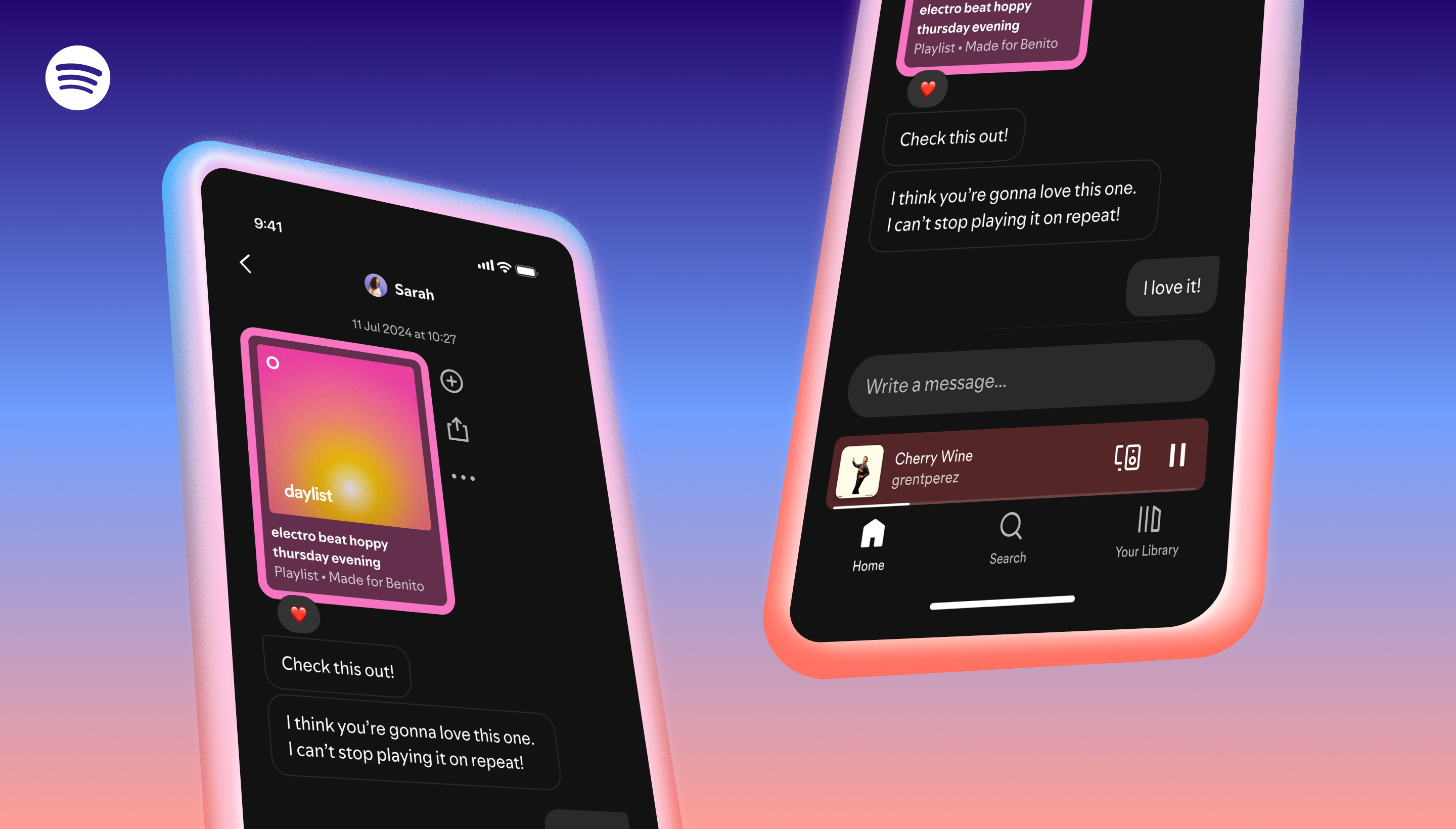
Two phone screens on a gradient background showing the UI experience of Messages on Spotify

Recommendations have always been at the heart of the Spotify experience. Friends and family share their favorite music, podcasts, audiobooks, and more from Spotify millions of times each month. That’s because word of mouth is one of the most powerful ways for people to discover their next favorite track. 

Spotify users have told us they want a dedicated space within the app to share songs, podcasts, or audiobooks they’re excited about with friends and family, and an easy way to keep track of recommendations. For artists, authors, and creators, easier sharing means more word-of-mouth recommendations and helps create new fans. Our goal is to give users what they want and make those moments of connection more seamless and streamlined in the Spotify app.

That’s why, beginning this week, Messages will start rolling out to Free and Premium users in select markets on mobile devices. In order to access Messages, users must be aged 16 years and older.

The Spotify content you’re already sharing, now all in one convenient place

Whether you’re sharing a new audiobook with a friend for book club, bonding over your new favorite song, or swapping history podcasts with Dad, the right recommendation can spark a great conversation with those closest to you. Messages are a fast and convenient way to share and chat about what you’re listening to with the people you care about.

Messages also open up new opportunities for artists, authors, and creators—more users can spread the word about an artist’s track or creator’s podcast with their friends and family, helping drive discovery.

Here’s how Messages work

Messages are one-on-one conversations where you can share Spotify content and react with text and emojis. 

  • Share Spotify content and start a message in-app with people you’ve interacted with before through Spotify. 
  • When listening to a song, podcast, or audiobook in the Now Playing View, tap the share icon, select a friend, and hit send.
  • Once you accept a message request, you’ll be able to react with emojis, send texts, and seamlessly share Spotify content back and forth. Access Messages by going to your profile photo in the top left corner. 

Messages are for the conversations you’re already having about music, podcasts and audiobooks with your friends and family. It’s easy to start a chat in the app with people you know and have previously shared Spotify content with. You’ll also see suggested people to message based on things like whether you’ve previously shared Spotify content with them, joined Jams, Blends, or collaborative playlists together, or if you share a Family or Duo plan.

As always, you should continue sharing Spotify content directly through your favorite platforms like Instagram, Facebook, WhatsApp, Snapchat, TikTok, and more. Messages on Spotify are designed to complement these integrations, not replace them, and we’re excited to continue offering more ways to drive hype for the Spotify content you love, wherever you are.

Messages put you in control of the conversation with the people you care about

With Messages on Spotify, users are always in the driver’s seat. Users have the choice to accept or reject message requests from friends and family. Spotify’s Terms of Use and Platform Rules against illegal and harmful content still apply to Messages, so if something doesn’t feel right, you can easily report that content or account. You can report by holding down on the message in question, selecting “Report,” and choosing how the message violates our Terms of Use and/or Platform Rules. You are also able to block other users and opt out of Messages entirely through Settings. 

To help ensure a secure sharing experience, conversations are protected with industry-standard encryption in transit and at rest. This means your data is protected by encryption when it’s stored and when it’s on the move. In keeping with our platform best practices, Spotify will utilize proactive detection technology to scan messages for certain unlawful and harmful content, and our moderators will review reported content. This two-pronged approach helps us offer a safer environment while respecting user privacy.  

This is just the beginning. We’re excited to continue building and refining the experience for more Spotify users around the globe in the months ahead.

*Update as of January 28, 2026: We love all the feedback on Messages. That’s why, starting today, you can now share to a group through Spotify Messages. Share the podcasts, playlists, and audiobooks you’re listening to with up to 10 friends and family members per chat, and keep the conversation going directly on Spotify. The same user controls and safety functions for 1:1 messages are available for group chats. To learn more, check out the information below.