







*Story and available features updated as of July 27, 2026.
Word of mouth has always been at the heart of the Spotify experience, with people sharing music, podcasts, and audiobooks with friends and family millions of times each month.
To make the experience even better, we’ve been busy designing smoother, more integrated ways to bring Spotify into the spaces you already use every day, from stories and status updates to messaging and social feeds.
Below, you’ll find 10 ways to share your favorite Spotify content so your friends can hear what you’re into anytime, anywhere.
1. Save from Snapchat and share what you’re listening to

By connecting your Spotify and Snapchat accounts, you can unlock two new integrations designed to make music discovery even more interactive.
-
- Share what music you’re currently playing: You can now use the new “Now Playing” feature to display what music you’re listening to on Spotify in real-time right on Snap Maps. It’s entirely opt-in, only visible to your approved Snapchat friends, and automatically pauses if you haven’t opened the Snapchat app in 24 hours so you stay in total control.
- Save songs instantly: Whenever you discover a new track on a Sounds page or see what a friend is listening to on your Snap Map, a quick tap lets you add it straight to your Spotify Liked Songs playlist.
2. Share to LinkedIn

Now, you can also seamlessly post whatever you’re streaming on Spotify—including tracks, lyrics, albums, playlists, podcasts, audiobooks, and more—directly to LinkedIn.
Once shared, your professional network can simply tap the content to dive right into Spotify and start listening with you.
3. Share to Threads

Bring your favorite Spotify content straight into the conversation on Threads. Just select Threads from your Spotify share menu to draft a post with the cover art and a link that takes your followers right to the track or podcast episode you want to discuss.
4. Share to WhatsApp Status

You can also share your favorites from Spotify directly to WhatsApp Status. When you share, we’ll showcase a visual card with the title, cover art, and a link so your friends and family can tap straight through. And with any songs you share, your friends and family will hear a short audio preview, so they can catch your vibe right away.
Of course, when you discover something you just need your pals to listen to, you can still drop Spotify content into your WhatsApp chats too.
5. Messages on Spotify

Our Messages feature allows users aged 16 and older in select markets to send music, podcasts, music videos, and audiobooks directly to friends within the Spotify app. Tap the share icon from the Now Playing view, pick a friend you’ve connected with before, and send. Once they accept, you can react, chat, and keep sharing all inside Spotify.
You can also use Messages to:
-
- Share to a group: Share the content you’re listening to with up to 10 friends and family members per chat, then keep the conversation going directly on Spotify.
- Display your listening activity: With this opt-in feature, you can share what music you’re currently listening to within Messages in real time.
- Request to Jam: Invite people you’re connected with in Messages into a live listening session.
Messages will also conveniently keep track of shared favorites and recommendations, making it easier than ever to revisit your latest finds.
6. Turn the sound up on Instagram Stories

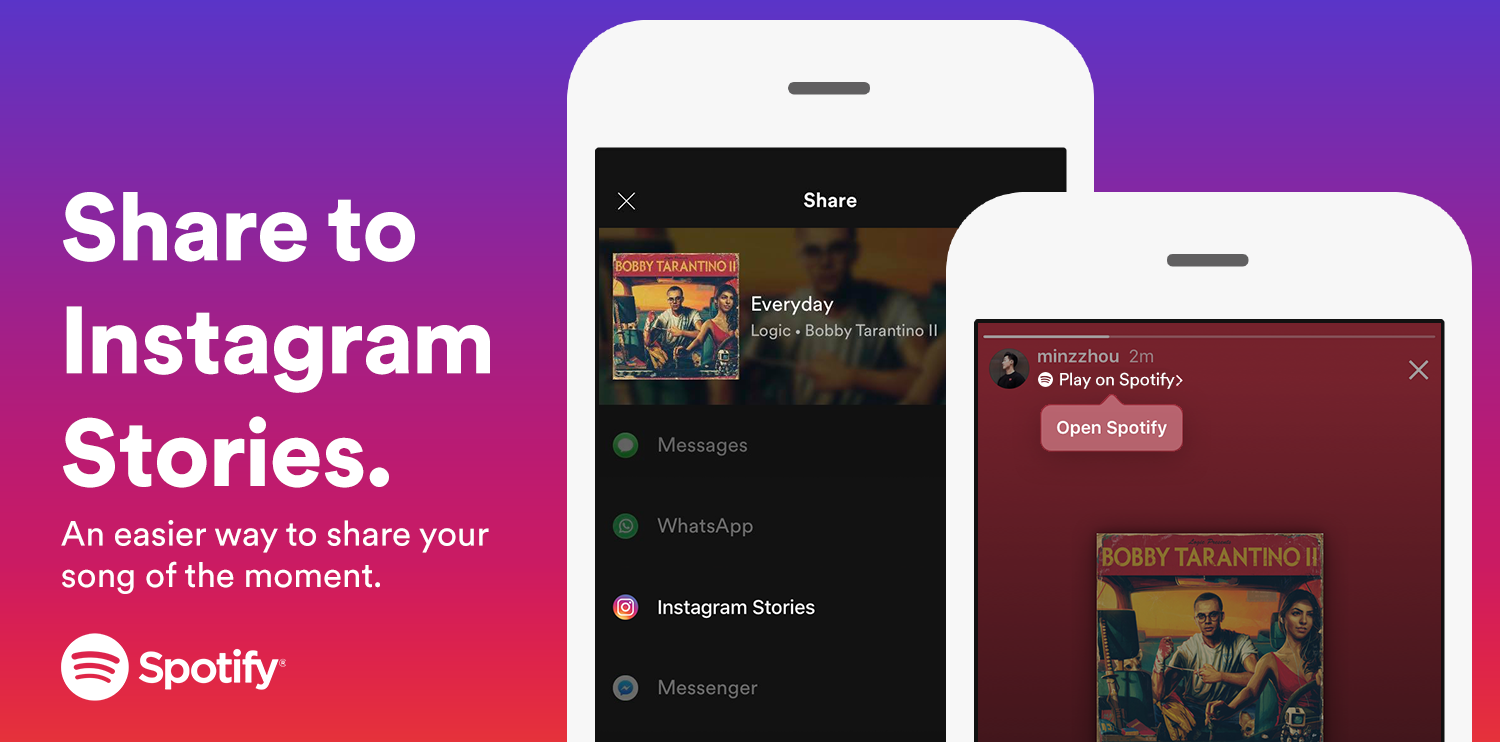
It’s easy to give your IG Stories a soundtrack. When you share a track to your Instagram Story, a short audio snippet plays automatically so friends can preview the song. Simply tap on the music sticker to open it in Spotify.
And with our Instagram Notes integration, you can share what music you’re listening to in real time. It’s a seamless way to showcase your newest obsessions or timeless favorites while also keeping up with your friends’ finds. And if they like the song, saving to Spotify is just a tap away.
7. TikTok Feed and Stories sharing

Share your favorite tunes or latest discoveries, including tracks, albums, playlists, podcasts, or audiobooks, using TikTok’s green screen feature or Photo Mode, complete with visuals and links through to Spotify.
8. Send Spotify content via TikTok DMs

Want to share something to a friend or a small group instead of posting to your whole feed? Send content from Spotify directly via TikTok Messages. Once they tap the link, your friend lands right in Spotify.
9. Snapchat sharing via Story and chat

Share a new favorite podcast or a daylist that is just so you,by posting it to your Snapchat Story, or send to your friends in Chat. Viewers will see the artwork or cover with a link they can tap to open the content in Spotify.
With the Share Track Lens AR feature you can also amp up your storytelling by overlaying the song title, artist name, and album cover onto your camera view or surroundings.
10. Facebook: Stories, Feed, & Messenger

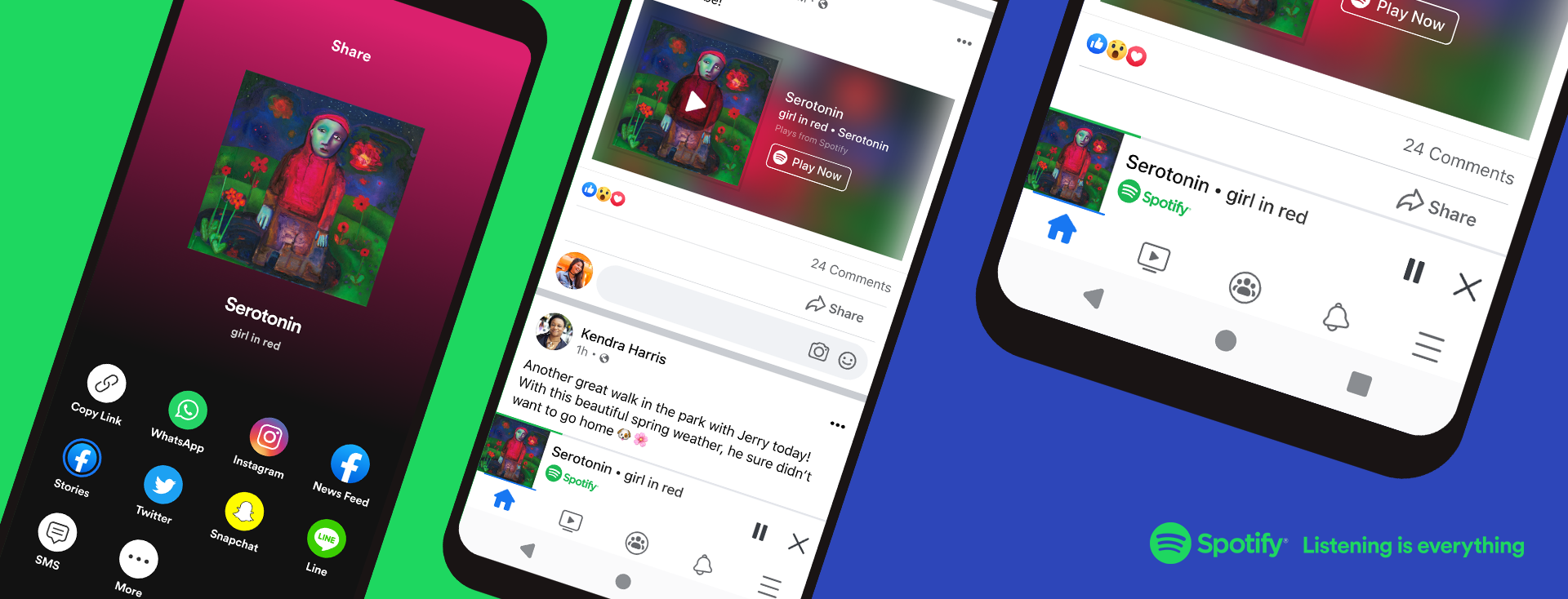
Add music to your Facebook Story or Feed post and viewers will get a short audio preview. They can easily tap through the visual card to open content in Spotify. On mobile, Messenger direct sharing also lets you send a track or playlist with a cover art card that links straight into Spotify.
You can also now save songs discovered on Facebook directly to your Liked Songs on Spotify.
Now try it yourself!
From broadcasting your vibe through your Status to slipping a track into a friend’s DMs, Spotify now gives you more ways than ever to share the content you love. Make sure your Spotify app is up-to-date, open the Share menu, and explore the possibilities.



Recent Comments