

Tag: Premium

You Know Every Song. We Saved You Two Tickets. Introducing Reserved.

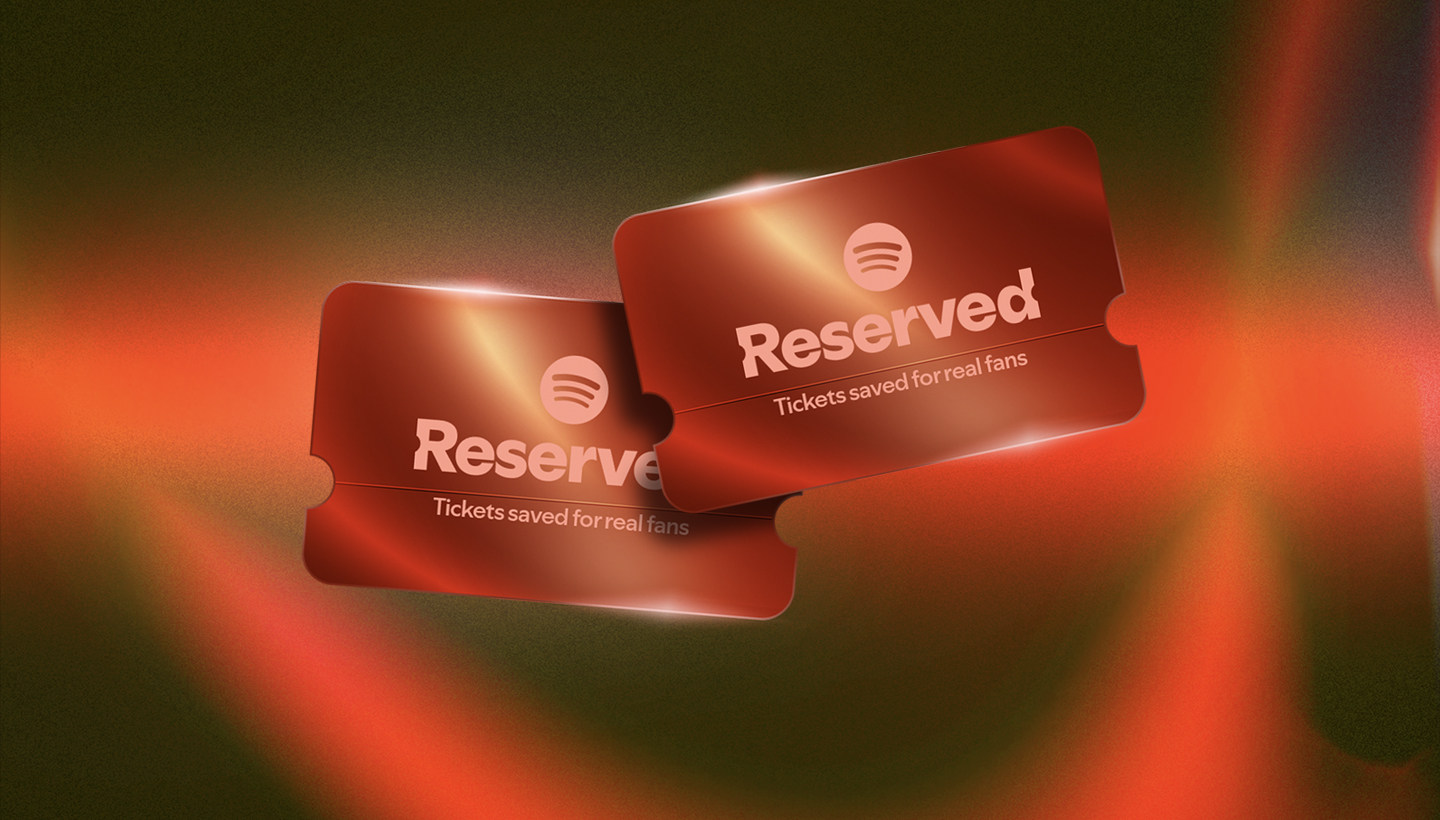
Red tickets with the spotify bug and "Reserved" "Tickets saved for real fans"

Getting concert tickets today can feel like a race you’re set up to lose.

You show up at the right time, refresh endlessly, and still miss out. Too often, the experience is stressful, unpredictable, and disconnected from what should matter most: whether real fans actually get tickets.

We think there’s a better way.

Introducing Reserved, a new experience for eligible Spotify Premium subscribers (ages 18+), starting in the U.S., with more markets to follow. With Reserved, Spotify will identify an artist’s most dedicated fans and hold two tour tickets for them. No racing against thousands of other fans, no hunting for codes, just a reserved window to purchase before tickets are on sale to the general public.

You show up for the artist, Spotify shows up for you. No added fees from Spotify, and more of an artist’s truest fans will end up in the crowd where it matters most.

Built around real fan engagement

Spotify has long been where fans discover their next favorite artists, and where artists grow their audiences. Reserved builds on this by helping true fans get to the show. With Reserved, Spotify will be the only audio streaming service where your fandom is rewarded with two tour tickets reserved for fans like you, because real fandom deserves a real seat at the show.

We’ll identify real fans based on factors like streams, shares, and other Spotify activity, and will also monitor the activity of Premium users to ensure these are real human fans and not bots. If you’re one of an artist’s most dedicated fans, you’ll have the opportunity to purchase two tickets during a dedicated window, typically around a day.

There will be significantly more superfans than there are seats available on a tour, so not every fan will receive an offer. And by only inviting validated fans, we will help ensure more tickets will go straight to fans instead of scalpers. Availability will vary by artist, tour, and location. Eligibility is based on your engagement with the artist on Spotify and where you’re located, so make sure your preferred location is enabled in the Live Events Feed and your notifications are turned on.

How it’ll work


Starting this summer, newly announced tours for select artists will be able to dedicate tickets to true fans through Reserved. From there, Reserved will expand to more tours of all sizes, including many of the most sought-after shows on the road.

When it’s available, here’s what to expect:

    • If you’re eligible for tickets, you’ll receive an email and an in-app notification. To make sure you don’t miss your offer, turn on notifications for live concerts and events, keep your app updated, and enable location settings for Spotify.
    • Up to two concert tickets on the tour will be available for you to purchase during a dedicated timeframe (about a day). Complete your purchase on a ticketing partner’s platform during that window.
    • Reserved offers are based on the tour’s locations, so if a tour isn’t coming to your area, you may not receive an offer. If you do receive one, you can buy tickets for any show on the tour and you’ll choose your date, location, and seats at checkout. Ticket types, seating options, and availability will vary by show.

Our broader commitment to live music

Streaming and live music have always gone hand in hand. Touring is central to how artists build a career and connect with the fans who show up for them night after night. At its heart, Reserved is simple: tickets saved for real fans to purchase. We’re building this to give something back to the fans who support artists the most—and because when artists and fans win, Spotify does, too. When the listeners who show up for an artist on Spotify are the ones getting into their shows, fans stick around, artists grow, and live music gets stronger.

This is part of a broader investment Spotify is making in live music across artists at every stage of their careers. Spotify already helps fans find shows they’ll love. We work with more than 40 ticketing partners and offer features like Concerts Near You and Venue Search to make it easy to find shows and follow the venues fans love. We also put marketing behind artists’ tours, both on-platform and off, so more fans can find shows they want to attend. To date, this work has driven more than $1.5 billion in ticket sales for artists. Reserved builds on that foundation.

Explore all the news and announcements from Spotify’s 2026 Investor Day.

Introducing About the Song, a New Way to Explore the Stories Behind the Music

Spotify Bug on a gradient background

Music fans know the feeling: A song stops you in your tracks, and you immediately want to know more. What inspired it, and what’s the meaning behind it? We believe that understanding the craft and context behind a song can deepen your connection to the music you love.

That’s why Spotify is introducing About the Song, a new feature currently in beta that brings stories and context directly into your listening experience. Available in the Now Playing View, About the Song features short, swipeable story cards that explore the meaning behind the music you’re hearing. These stories are summarized from third-party sources to surface interesting details and behind-the-scenes moments.

About the Song (beta) is available on mobile (iOS and Android) in English for Premium users in the U.S., U.K., Canada, Ireland, New Zealand, Australia, India, Nigeria, South Africa, Indonesia, and Singapore.

Ready to explore the stories behind the music? Here’s how to find them.

    1. While listening in the Spotify mobile app, open the Now Playing View.
    2. Scroll down to find the About the Song card on supported tracks.
    3. Swipe through to explore the stories behind the track. We’re always looking for ways to improve, and both artists and listeners can share feedback directly via the card to help shape the experience.

About the Song is another step in our mission to bring you closer to the artists you love. Keep an eye out for the feature, and get ready to connect with music on a new level.

5 Reasons to Try Spotify Premium This Holiday Season

The best playlists, podcasts, and audiobooks bring a little extra magic to your daily routine. With new features and offerings, Spotify Premium delivers even more flexibility and enjoyment. If you’re curious about the latest, here are five reasons to check out Premium this holiday season.

1. Unlock a holiday trial offer

From now through December 31, users who are new to Premium can get up to four months of Premium free on the Individual plan, and returning subscribers may be eligible for two months free or at a discount. 

The exact offer features vary per market, so visit spotify.com/premium to see what’s available where you are. Monthly subscription fees will apply after the trial period has ended unless canceled beforehand.

2. Stream music in Lossless audio

Experience music in Spotify’s highest sound quality yet with Lossless, now available for Premium users in eligible markets. Listen in up to 24-bit/44.1kHz FLAC on supported devices by enabling “Lossless” in your settings.

3. Create seamless playlist transitions

Premium’s new mixing tool (currently in beta) lets you add and customize transitions between tracks in your playlists. Blend with presets like “Fade” or “Rise” and personalize your mix for a unique listening experience—no DJ skills required.

4. Request music from DJ by voice or text

Premium users in eligible markets can interact with DJ, Spotify’s in-app music guide, using voice or text requests in English and Spanish. DJ updates your session instantly with music for any mood, genre, or activity and offers personalized prompts to inspire your listening.

5. Enjoy audiobooks as part of your plan

Audiobooks in Premium continues to expand globally. Eligible subscribers in 22 markets now get allocated monthly audiobook listening time included with their plans, and if you need more hours or want to share access, audiobook add-ons are available to purchase for yourself or other members of your Premium household plan. Discover your next favorite story alongside your music and podcasts, all in one place.

Explore this year’s holiday offer and get started at spotify.com/premium.

Nu kan du lyssna med lossless-kvalitet på Spotify Premium

Premiumanvändare får en avisering i Spotify-appen.

Lossless-ljud har varit en av de mest efterlängtade funktionerna på Spotify och nu, äntligen, har den börjat rullas ut till Premiumanvändare på utvalda marknader. Premiumanvändare får en avisering i Spotify när funktionen blir tillgänglig för dem. Oavsett om du utforskar ett nytt album eller lyssnar på gamla favoriter levererar Lossless den högsta ljudkvaliteten för musik på Spotify.

”Väntan är äntligen över och vi är så glada att lossless rullar ut till Premium-användare”, säger Gustav Gyllenhammar,chef för tillväxt, marknader och prenumerationer på Spotify. ”Vi har tagit oss tid att skapa den här funktionen på ett sätt som prioriterar kvalitet, användarvänlighet och tydlighet i varje steg, så att du alltid vet vad som händer under huven. Med Lossless får våra premiumanvändare nu en ännu bättre lyssningsupplevelse.”

Lossless är en del av vårt åtagande att ständigt förbättra Spotify Premium så att fans kan upptäcka och lyssna på musiken de gillar på bästa sätt. Den här hett efterfrågade funktionen tar Premium-upplevelsen till nästa nivå. Tillsammans med populära funktioner som DJ, Jam, helt nya Mix och daylist, samt spellistor som satts ihop av våra ledande globala musikredaktörer, fortsätter världens mest populära prenumerationstjänst för ljudstreaming att bli allt bättre.

Med Lossless kan du nu streama låtar i upp till 24 bitar/44,1 kHz FLAC. Det innebär större detaljrikedom för nästan alla låtar som finns på Spotify, så att du kan lyssna på nya releaser och dina favoritlåtar i högsta kvalitet.

Din enhet, din musik, din lyssningsupplevelse, ditt val

Vi vet att alla lyssnar olika, så vi ger dig anpassningsbara inställningar för WiFi, mobilnätet och nedladdningar. Välj mellan kvalitetsnivåerna Låg, Normal, Hög, Mycket hög och nu, Lossless, för maximal flexibilitet och kontroll. Du kommer att kunna se hur mycket data var och en av dessa kräver så att det blir enklare att välja.

Funktionen Lossless är tillgänglig på mobilen, datorn och surfplattan samt på flera enheter med stöd för Spotify Connect, inklusive Sony, Bose, Samsung, Sennheiser med flera. Nästa månad kommer stöd för ytterligare enheter, inklusive de från Sonos och Amazon.

Så här aktiverar du Lossless

Gör följande för att aktivera lossless i Spotify-appen:

    1. Tryck på din profilikon längst upp till vänster.
    2. Gå till Inställningar och integritet → Mediakvalitet.
    3. Välj var du vill aktivera lossless-ljud: WiFi, mobilnätet, nedladdningar.

Tänk också på att du måste aktivera Lossless manuellt på varje enhet. Du kan se att Lossless är på genom att en indikator för Lossless visas i vyn eller fältet Nu spelas och i Anslutningsval.

Om du vill ha en så smidig och bra lyssningsupplevelse som möjligt rekommenderar vi att du streamar musik i lossless-format via WiFi med trådbundna hörlurar eller på högtalare, samt att du använder en anslutning som inte är Bluetooth, till exempel Spotify Connect. För närvarande erbjuder Bluetooth inte tillräckligt med bandbredd för att överföra ljud i lossless-format, så signalen måste komprimeras innan den skickas.

Lossless ger lyssnarna varje detalj i musiken, vilket innebär att ljudfilerna kan vara större. När användare aktiverar Lossless på sina enheter kan det ta en liten stund innan låten spelas upp. Men när den har cachelagrats och lästs in är det bara att lyssna.

När kan jag börja lyssna?

Premiumanvändare på fler än 50 marknader, däribland Sverige, har nu tillgång till Lossless.

Spotify Premium Integrates With Leading DJ Software in 51 Markets

For DJs, there’s nothing quite like the thrill of mixing tracks and building the perfect set. Now, Spotify Premium users will be able to access their entire libraries and playlists directly within desktop DJ software from rekordbox, Serato, and djay. These integrations are available in 51 markets, making it faster and easier than ever before to experiment and blend your music to create the most unforgettable set.

With Premium, you can effortlessly mix songs from Spotify using supported DJ software, curating your sets to build momentum or create mood shifts between tracks. Just log in to access Spotify’s entire music catalog, including your own playlists and Spotify’s editorial selections. It’s a seamless way to take creative control and make every set uniquely yours.

How to access Spotify Premium within rekordbox, Serato, and djay

    1. Open your preferred DJ software (rekordbox, Serato, or djay) on desktop.
    2. Log in to your Spotify Premium account within the DJ software.
    3. Pull up your favorite playlist or tracks from Spotify to mix.
    4. Start mixing in real time using your DJ software’s built-in tools.

This integration follows the launch of our new feature that lets Premium users mix track-to-track transitions in their own playlists. Whether you’re curating the perfect party playlist or taking your first steps behind the decks, these enhancements are designed to empower music fans to explore their sound.

Spotify Premium is the ultimate destination for fans to enjoy the music they love. We’re always evolving the experience and introducing new features that elevate how you listen.

For the latest information on supported DJ software, availability, and device compatibility, visit our landing page.

*Update as of December 11, 2025: Premium users can now access Spotify’s music catalog for mixing in rekordbox on iOS/Android and djay on iOS/Android, in addition to desktop.

Mezcla tus playlists favoritas sin interrupciones agregando tus propias transiciones

Los usuarios de Spotify en todo el mundo han creado casi 9 mil millones de playlists para acompañar sus momentos del día a día. Ahora, los usuarios Premium pueden llevar su creatividad al siguiente nivel con la posibilidad de añadir y personalizar transiciones entre canciones.

Esta nueva función, actualmente en versión beta, brinda aún más control a los usuarios, permitiéndoles crear playlists únicas de forma sencilla, ya sean amantes de la música o expertos en curaduría. Pasa de una canción a otra de forma fluida, personaliza cómo se conectan y mejora tu mezcla con ajustes como volumen, ecualización y curvas de efectos.

¿Listo para darle un giro a tu música? Personaliza tu playlist con transiciones fluidas.

    1. Abre una playlist que ya hayas creado o empieza una nueva.
    2. Selecciona “Mezclar” en la barra de herramientas y mira cómo se transforma tu playlist.
    3. Elige “Automático” para una mezcla al instante o “Personaliza tu mezcla” para crear transiciones únicas que se ajusten a tu estilo.
    4. Al personalizar, puedes elegir un estilo preestablecido como “Desvanecer” o “Ascender” para aplicar diferentes tipos de transiciones.
    5. Experimenta con configuraciones específicas de volumen, EQ y efectos, y usa la forma de onda y el análisis de beats para encontrar el mejor punto de transición en cada canción.
    6. Pulsa “Guardar”, luego escucha tu playlist única. Compártela o incluso colabora con amigos Premium en una playlist mezclada.
    7. Puedes activar o desactivar la mezcla en cualquier momento presionando el botón “Mezclar”.

¿Nuevo en el mundo del mixing? Estos consejos te ayudarán a mejorar tus playlists:

    • Empareja tempos y tonalidades: Para lograr transiciones más naturales, elige canciones con tempos y tonalidades similares (clave Camelot). Al tocar “Mezclar”, verás automáticamente la tonalidad y BPM (beats por minuto) de cada canción, lo que te facilitará reordenarlas para una mejor fluidez.
    • Empieza con géneros amigables para mezclar: La mezcla funciona mejor con géneros pensados para transiciones suaves. Estilos como house y techno suelen integrarse más fácilmente.
    • Ten en cuenta la energía: Piensa en el ambiente que quieres crear. Ordena las canciones para subir o bajar la intensidad poco a poco, guiando al oyente a través de un recorrido emocional.
    • Aprovecha tus mejores playlists: Las mezclas son ideales para evitar silencios incómodos. Por ejemplo, mejora tu playlist para correr con BPM constantes que marquen tu ritmo o crea la playlist perfecta para un road trip o una fiesta sin que decaiga el ambiente.
    • Dale estilo visual: Haz que tu playlist sea aún más especial creando tu propia portada con nuevas etiquetas y stickers, disponibles solo para playlists mezcladas.

Spotify Premium es el lugar ideal para disfrutar de la música que más te gusta, y siempre estamos mejorando para ofrecer una experiencia aún más completa. Con las transiciones personalizadas, buscamos que cada usuario pueda moldear su manera de escuchar y expresarse a través de la música.

Esta nueva función se está activando de forma progresiva para usuarios Premium elegibles, así que asegúrate de tener tu app de Spotify actualizada.

How to Use, Create, and Share Spotify Codes

Whether you’re curating a playlist for your dorm, promoting an artist at a live show, or simply sharing your favorite album with friends, Spotify Codes make it easy to bring your listening experience into the real world. These scannable, QR-like tags allow you to quickly share and access any piece of content on Spotify, no typing or searching required.

What are Spotify Codes?

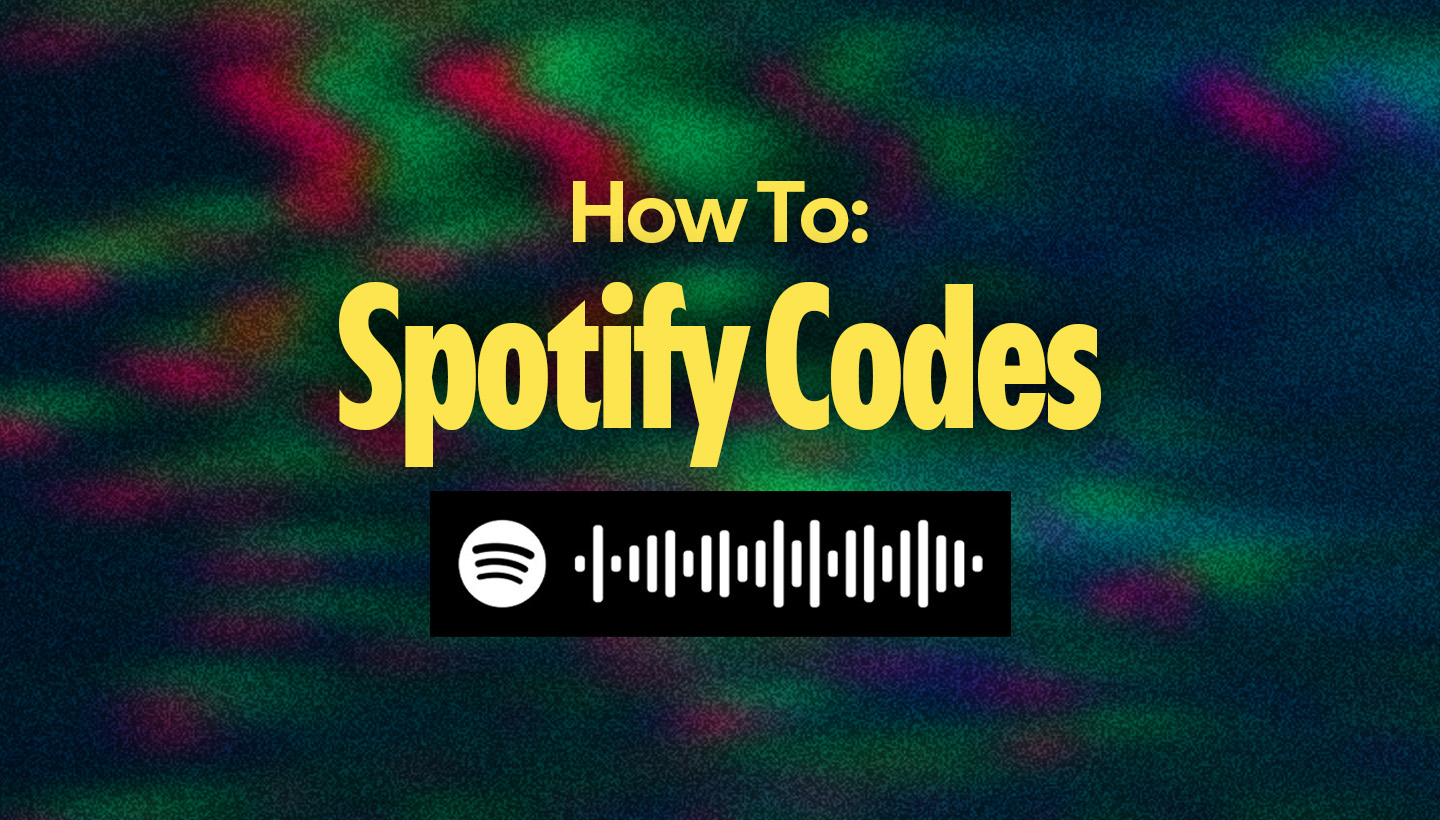
Spotify Codes are unique visual tags that can be scanned using the camera on your phone or within the Spotify app. Once scanned, they instantly take listeners to the linked content, whether it’s a song, album, playlist, artist profile, or even a branded page.

Using a Spotify Code is a breeze. Here’s how to scan a Spotify Code:

    1. Open the Spotify app on your phone.
    2. Hit the Search tab, then tap the camera icon in the top-right corner.
    3. Point your camera at the Spotify Code and let the app do the rest.

You can also create a Spotify Code:

    1. Open Spotify and find the content you want to share.
    2. Right-click on the content and hold “Option” (Mac) or “Alt” (PC) or tap the “…” icon on mobile or desktop.
    3. Select “Share,” then “Copy Spotify URI.”
    4. Paste the URI into SpotifyCodes.com, customize the design, and download your code.

You can adjust the color, size, and format to suit your needs, whether you’re designing flyers, posters, social posts, or stickers.

A few quick notes

Spotify Codes are designed to make sharing easier and more visual. However, if you’re planning to use them on physical products for sale, be sure to get the necessary permissions from the appropriate rights holders.

Spotify Codes offer a seamless way to share what you’re listening to online and off. From building community through a collaborative playlist to spotlighting an up-and-coming artist, these codes bring your musical world to others with just a scan.

Próximos cambios en las suscripciones de Spotify Premium

En Spotify, estamos comprometidos a ofrecer una experiencia personalizada y de primer nivel para cada usuario. Para seguir innovando en nuestras funciones y productos, y garantizar que brindamos la mejor experiencia posible, ocasionalmente actualizamos nuestros precios.

Durante el próximo mes, los suscriptores de Premium en varios países de Asia del Sur, Medio Oriente, África, Europa, América Latina y la región Asia-Pacífico recibirán un correo electrónico con información sobre lo que implica esta actualización para su suscripción (ver imagen de ejemplo más abajo). Los nuevos suscriptores pueden consultar los precios más recientes ingresando a spotify.com/premium.

Argentina

Colombia

Mexico

Contamos con una variedad de planes de suscripción para que elijas el que mejor se adapte a ti. Visita spotify.com/premium para ver los planes disponibles en tu país.

Upcoming Changes to Spotify Premium Subscriptions

At Spotify, we’re committed to delivering a world-class, personalized experience for every user. To continue to innovate on our product offerings and features and bring users the best experience, we occasionally update our prices. 

Over the next month, Premium subscribers in multiple markets across South Asia, the Middle East, Africa, Europe, Latin America, and the Asia-Pacific region will receive an email explaining what this update means for their subscriptions (see example image below). New subscribers can find the latest pricing by visiting spotify.com/premium.

We offer a range of subscription plans to choose from. Visit spotify.com/premium to see your locally available plans.

4 Must-Try Features That Make Spotify the Best Place to Be a Fan

At Spotify, we’re always working to enhance your listening experience and connect you more deeply with the artists and music you love. That means helping you stay on top of upcoming releases, live shows, and exciting new tracks with features that make Spotify the ultimate destination for every music fan.

If you’re ready to step up your music fandom, here are four Spotify features you’ll love.

Introducing the Music Following feed

Similar to our popular Podcast Following feed, we’ve rolled out a brand-new Music Following feed. This dedicated space brings music from the artists you follow into one convenient destination so you can explore musicians’ latest releases the moment they hit. Quickly preview new tracks, play them right away, or save them for later. No matter when you listen, you’ll always be in the know.

Find out when your favorite artists are coming to town with our Concerts Near You playlist

There’s nothing quite like the energy of a live show. Our personalized Concerts Near You playlist makes it fun and easy to discover upcoming concerts in your area. Inspired by your listening habits, this weekly playlist brings you relevant concert listings, complete with full event details and convenient ticket links directly from expandable track rows. No more endless searching—just an easier way to see your favorite artists in person.

Stay ahead of the curve with the Upcoming Releases hub

Excited for that next big drop? The Upcoming Releases hub is your new go-to destination for discovering soon-to-be-released music. This hub serves as a dedicated place for listeners to explore upcoming music through personalized recommendations and trending Countdown Pages for anticipated releases. You can presave and literally count down the seconds until a new release, ensuring you’re hearing it right as it is available.

Additionally, the Countdown Charts on our Spotify and Spotify for Artists social channels give you more ways to keep tabs on what new music is coming. Every Wednesday, we post a fresh list of the top 10 Countdown Pages, highlighting the trending albums with the most total presaves globally.

Start the weekend off right with new-music Fridays

Every Friday, we light up your music feed on Home to bring you the freshest sounds. Our enhanced Friday experience highlights personalized new releases, upcoming releases via Countdown Pages, and the latest hits curated in our editorial playlists. It’s the perfect way to kick off your weekend with a constant stream of new discoveries.

With these exciting features, we’re committed to helping you build deeper connections with your favorite artists, so dive in and discover why Spotify is the best place to be a fan.

Spotify rapporterar intäkter för andra kvartalet 2025

Idag rapporterar vi resultatet för andra kvartalet 2025, med stark tillväxt av antalet prenumeranter och månatliga aktiva användare. Under första halvåret ökade nettotillskottet av prenumeranter med över 30  % jämfört med samma period 2024, och kvartalet blev vårt näst bästa andra kvartal någonsin sett till tillväxten av antalet MAU. Här är några av höjdpunkterna:

    • Antalet premiumanvändare ökade med 12 % jämfört med föregående år till 276 miljoner.
    • Månatliga aktiva användare ökade med 11 % jämfört med föregående år till 696 miljoner.
    • De totala intäkterna ökade med 10 % jämfört med föregående år och uppgick till 4,2 miljarder euro.
    • Bruttomarginalen ökade med 227 baspunkter jämfört med föregående år och uppgick till 31,5 %.
    • Rörelseresultatet uppgick till 406 miljoner euro.

“Människor söker sig till Spotify – och de väljer att stanna kvar. Genom att ständigt utvecklas skapar vi allt större värde för de nästan 700 miljoner människor som använder vår plattform. Det här gynnar inte bara våra användare, utan lockar också fler till streaming – vilket i sin tur stärker hela branschen för musik, poddar och ljudböcker”, säger Daniel Ek, Spotifys grundare och vd.

Spotify Reports Second Quarter 2025 Earnings

Today, we announced our second quarter 2025 earnings, fueled by standout subscriber and MAU growth. In the first half of 2025, subscriber net additions grew more than 30% compared to the first half of 2024, and this marks the company’s second highest Q2 for MAU net additions. Take a look at the highlights below: 

    • Subscribers climbed 12% Y/Y to 276 million.
    • Monthly Active Users grew 11% Y/Y to 696 million.
    • Total Revenue increased 10% Y/Y to €4.2 billion.
    • Gross Margin improved by 227 bps YoY to 31.5%.
    • Operating Income reached €406M.

People come to Spotify and they stay on Spotify. By constantly evolving, we create more and more value for the almost 700 million people using our platform,” said Daniel Ek, Spotify Founder & CEO. This value not only benefits users but it’s attracting more people to streaming and as a result, it’s also boosted the industries of music, podcasts, and audiobooks.”

Interested in hearing more? Click here to review the full earnings release and listen to the webcast Q&A on our Investor Relations site here.